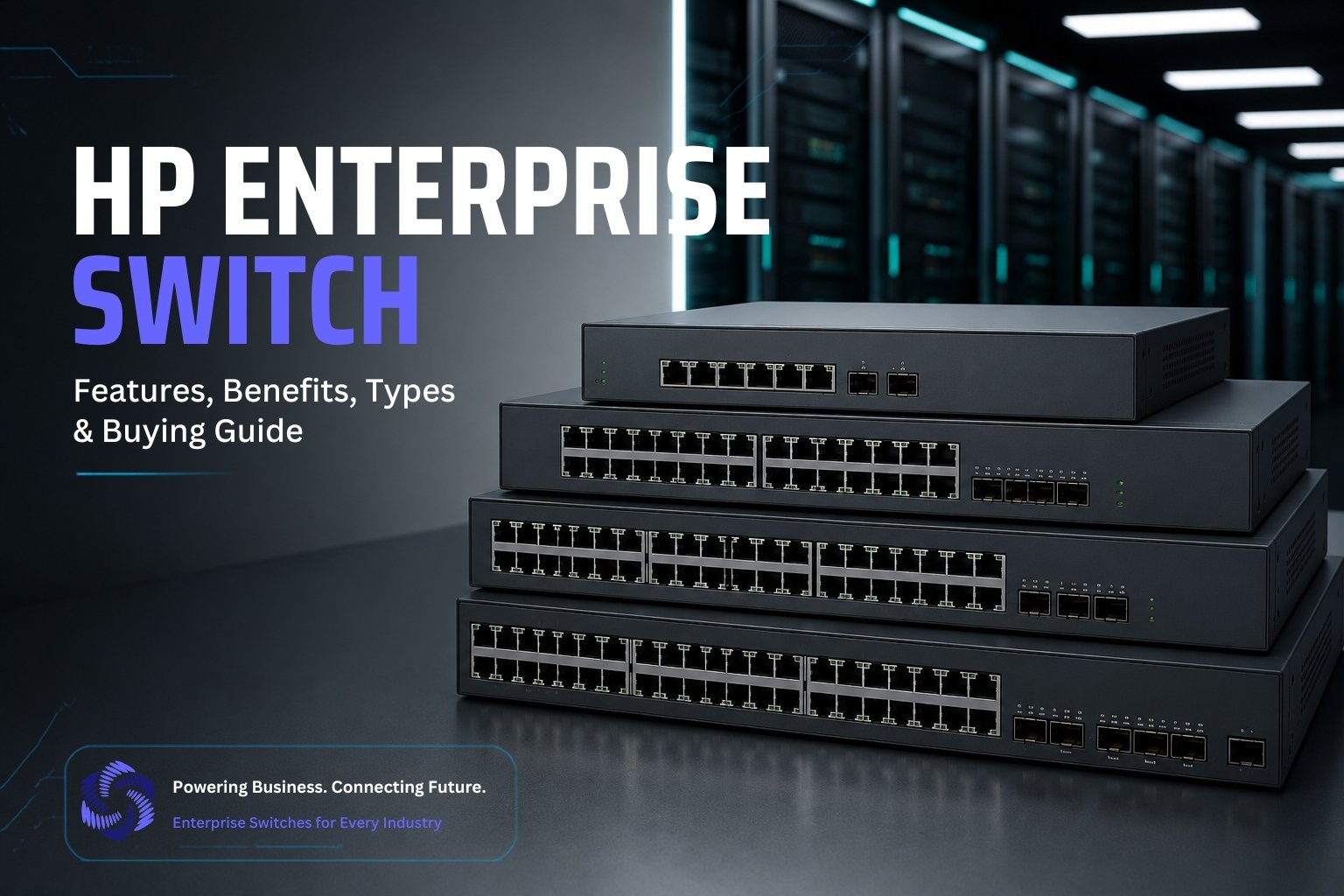
Discover everything about HP Enterprise Switches, including key features, benefits, types, and expert buying tips. Learn how to choose the right HPE network switch for your business to improve performance, security, and scalability.
Introduction
In today’s fast-moving business world, a network must do more than connect devices. HP Enterprise Switches deliver the speed, security, and reliability that organizations need to keep computers, servers, printers, and other systems working together without interruption. With options for small offices, expanding businesses, and large enterprise networks, these switches offer features such as Power over Ethernet, Virtual Local Area Network support, Quality of Service, advanced security, and cloud management, making them a smart solution for businesses that want stable performance, simple control, and the flexibility to grow.
What are HP Enterprise Switches?
HP Enterprise Switches are intelligent networking devices that connect multiple devices within a business network and control how data moves between them. Instead of allowing information to travel randomly, these switches direct data to the correct destination, improving communication and reducing network congestion.
These switches are designed for professional environments where network stability, speed, and efficient traffic management are essential. They provide greater control over network operations, allowing administrators to manage connected devices, monitor network activity, and maintain consistent performance as business demands increase.
HP Enterprise Switches are suitable for organizations of every size, including small businesses, large companies, educational institutions, healthcare facilities, and data centers. They support both wired devices and network infrastructure, creating a reliable foundation for daily business operations.
As organizations continue to adopt cloud services, digital collaboration tools, and connected technologies, HP Enterprise Switches play an important role in building a network that is efficient, secure, and ready to support future business growth.
Key Features of HP Enterprise Switches
HP Enterprise Switches are equipped with advanced networking capabilities that help businesses build reliable, secure, and efficient network infrastructures. These features improve overall performance, simplify network administration, and support the growing demands of modern organizations.
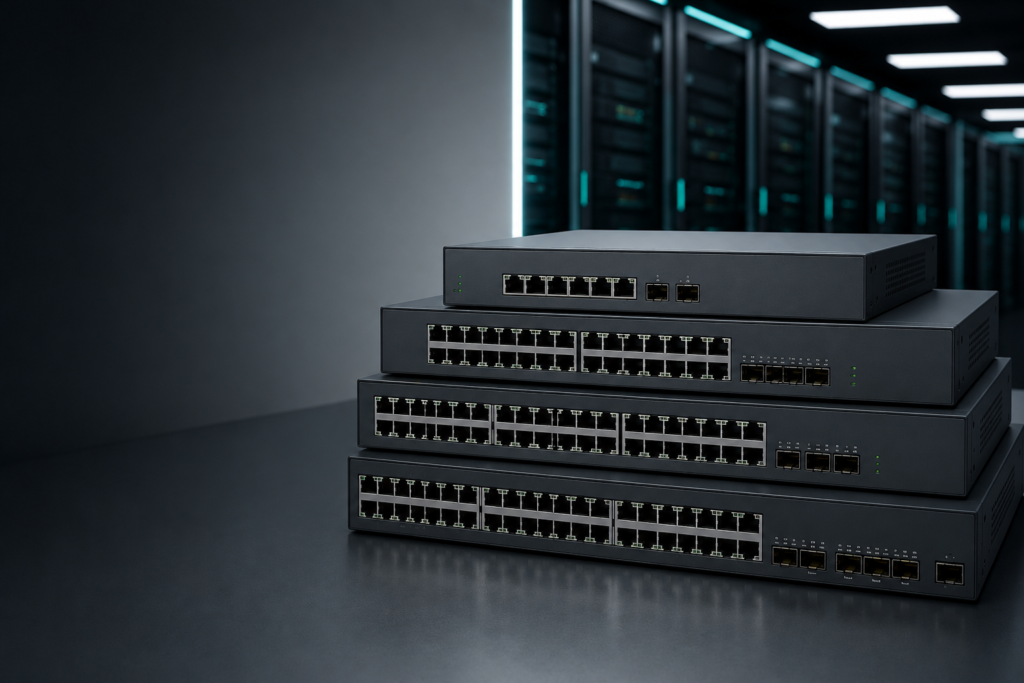
1. High-Speed Connectivity
HP Enterprise Switches deliver fast and consistent data transmission across the network. They support high bandwidth connections that reduce delays and improve communication between connected devices. This makes them suitable for businesses that rely on large file transfers, cloud applications, video conferencing, and other data-intensive tasks.
2. Power over Ethernet Support
Power over Ethernet allows a single network cable to carry both data and electrical power. This eliminates the need for separate power connections for compatible devices such as wireless access points, security cameras, and Voice over Internet Protocol phones. It also simplifies installation and helps reduce infrastructure costs.
3. Layer 2 and Layer 3 Switching
HP Enterprise Switches are available with both Layer 2 and Layer 3 capabilities. Layer 2 switching efficiently manages communication within the same network, while Layer 3 switching enables communication between different networks through intelligent routing. This provides greater flexibility for businesses with more complex network environments.
4. Advanced Security Features
Security is an important part of every business network. HP Enterprise Switches include tools that help protect network resources from unauthorized access. Features such as user authentication, access control, traffic monitoring, and threat detection allow administrators to maintain a secure networking environment.
5. Virtual LAN and Network Segmentation
Virtual LAN technology allows businesses to divide a single physical network into multiple logical networks. This improves network organization, increases security, and reduces unnecessary traffic between departments or user groups. It also makes network management more efficient as the organization grows.
6. Quality of Service
Quality of Service helps prioritize important network traffic over less critical data. Business applications such as voice calls, video meetings, and cloud services receive the bandwidth they need to perform smoothly. This results in a better user experience even during periods of high network activity.
7. Cloud and Remote Management
Many HP Enterprise Switches support cloud-based and remote management platforms. Network administrators can monitor performance, configure settings, receive alerts, and troubleshoot issues from virtually any location. This improves operational efficiency and reduces the time required to manage business networks.
AI-Driven Network Management with HP Enterprise Switches
Modern enterprise networks require more than reliable hardware. They also need intelligent automation to reduce deployment time, improve configuration accuracy, and simplify ongoing network management. By combining HP Enterprise Switches with CogniKor AI Automation, organizations can automate many tasks that traditionally required significant manual effort.
AI-Driven Zero Touch Configuration
With CogniKor AI Automation, network engineers only need to provide the required deployment details. The platform automatically generates enterprise-ready switch configurations based on business requirements and industry best practices.
Key capabilities include:
- Automatic generation of production-ready switch configurations
- Support for HP, Cisco, Aruba, Huawei, Juniper, and Fortinet environments
- Intelligent configuration based on network architecture and business requirements
- Automatic validation of configuration before deployment
- Compliance verification against organizational standards
- Best practice recommendations to improve network reliability
- Reduced manual configuration effort for network teams
- Faster provisioning of new enterprise switches
- Lower risk of configuration errors and deployment failures
- Consistent configuration across multiple branch offices and enterprise locations
This AI-driven approach enables organizations to deploy HP Enterprise Switches with greater speed, accuracy, and confidence, while allowing network engineers to spend more time on strategic projects rather than repetitive configuration tasks.
How to Choose the Right HP Enterprise Switch?
Selecting the right HP Enterprise Switch depends on your current networking needs and future business goals. Evaluating the following factors will help you invest in a solution that delivers reliable performance and long-term value.
1. Network Size
Start by assessing the size of your network. A small office with a limited number of connected devices requires a different switch than a large enterprise with multiple departments and branch locations. Choosing a switch that matches your network size ensures better performance and easier management.
2. Number of Ports
Estimate how many devices need to connect to the switch today and how many may be added in the future. Selecting a switch with sufficient ports reduces the need for additional hardware and gives your network room to expand without major upgrades.
3. Power over Ethernet Requirements
If your organization uses wireless access points, security cameras, or Voice over Internet Protocol phones, consider a switch that supports Power over Ethernet. This allows both power and data to be delivered through a single network cable, simplifying installation and reducing cabling costs.
4. Speed Requirements
Different business applications require different network speeds. Standard office tasks may perform well with Gigabit connections, while environments that handle large data transfers, virtualization, or data center workloads often benefit from higher speed ports. Select a switch that can support both your current and future bandwidth requirements.
5. Security Features
A business network should include strong security controls to protect sensitive information. Look for switches that provide features such as user authentication, access control, traffic monitoring, and secure management options. These capabilities help reduce security risks and improve network protection.
6. Future Scalability
Your network should be able to grow alongside your business. Choose a switch that supports additional users, devices, and applications without requiring a complete infrastructure replacement. A scalable solution helps protect your investment and reduces future upgrade costs.
7. Budget Considerations
Balance your technical requirements with your available budget. While entry-level switches may be suitable for smaller organizations, businesses with higher performance and security requirements often benefit from investing in enterprise-grade models that offer advanced management capabilities and greater long-term reliability.
FAQ’s
1. Do HP Enterprise Switches support cloud management?
Yes. Selected models offer cloud-based management, allowing network administrators to monitor, configure, and troubleshoot switches remotely through a centralized management platform.
2. How do I choose the right HP Enterprise Switch?
Consider factors such as network size, number of connected devices, port requirements, network speed, security features, Power over Ethernet support, future expansion plans, and your available budget.
3. Are HP Enterprise Switches suitable for growing businesses?
Yes. HP Enterprise Switches are designed to scale with business growth, making it easy to add more users, devices, and applications without replacing the entire network infrastructure.
4. Can HP Enterprise Switches work with equipment from other vendors?
Yes. HP Enterprise Switches are built using industry-standard networking protocols, allowing them to operate with network devices from many leading vendors in mixed enterprise environments.
5. What are the main benefits of using HP Enterprise Switches?
HP Enterprise Switches provide reliable connectivity, efficient traffic management, enhanced security, simplified administration, excellent scalability, and long-term performance for modern business networks.
Conclusion
HP Enterprise Switches are an excellent choice for businesses that need reliable, secure, and scalable network infrastructure. They offer advanced features, high-speed connectivity, and simplified network management to support daily operations. Whether for small businesses or large enterprises, these switches help improve performance, enhance security, and reduce downtime. By choosing the right HP Enterprise Switch, you can build a future-ready network that supports business growth and evolving technology demands.