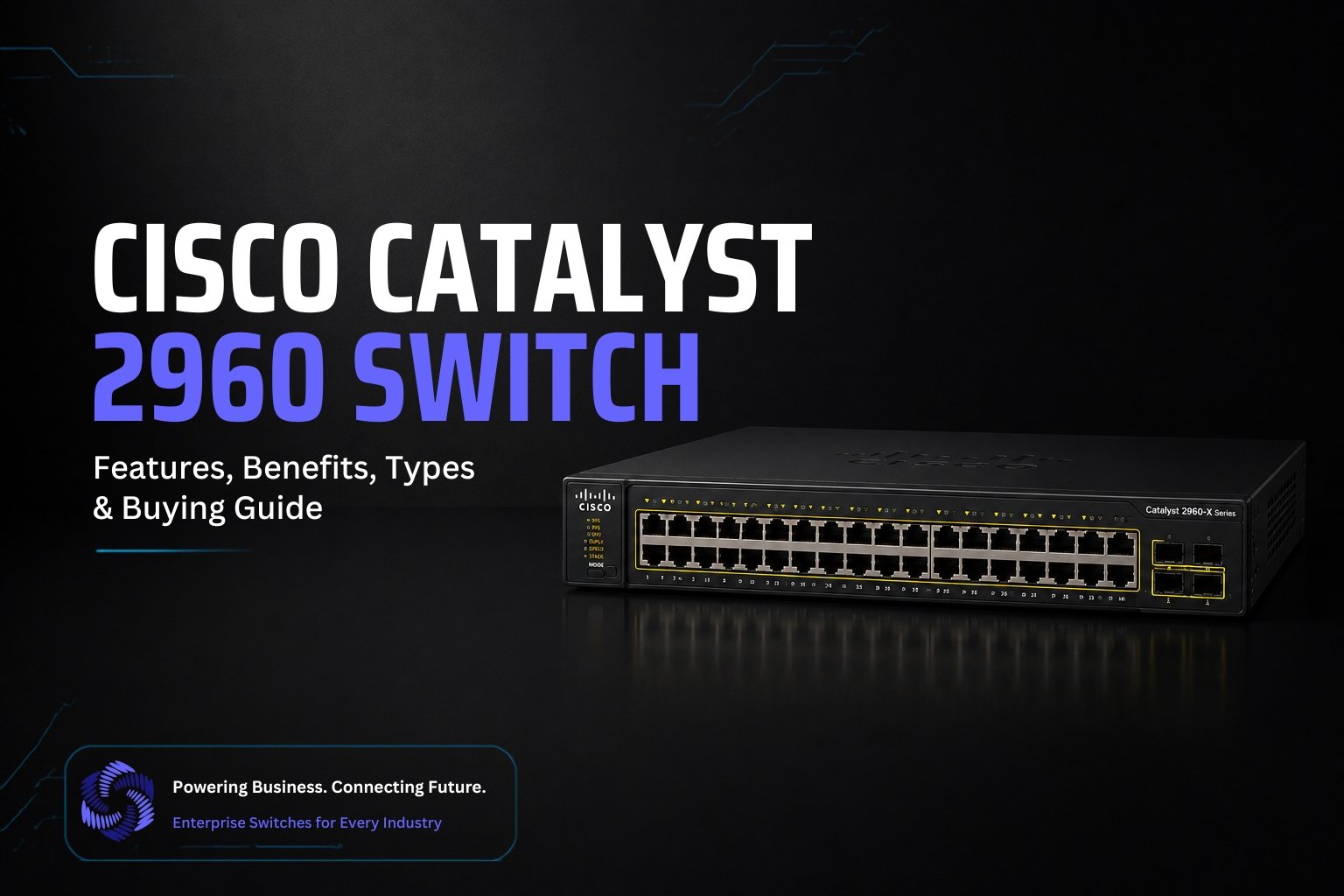
Discover the Cisco Catalyst 2960 Switch, a reliable Layer 2 network switch offering secure, high-performance connectivity for small businesses, offices, and enterprise networks.
Introduction
Imagine a network where every device stays connected without delays, interruptions, or security concerns. That is exactly what the Cisco Catalyst 2960 delivers. Known for its reliability, strong performance, and enterprise grade security, this switch has become a trusted choice for businesses, schools, and IT professionals. If you are looking for a networking solution that combines stability with easy management, the Cisco Catalyst 2960 is a name worth knowing.
What Is the Cisco Catalyst 2960 Switch?
The Cisco Catalyst 2960 Switch is a managed network switch designed to connect computers, servers, printers, wireless access points, and other devices within a local area network. It is widely used by businesses, educational institutions, and organizations that need a secure and reliable networking solution.
This switch is known for its excellent performance, strong security features, and easy network management. It supports technologies such as Virtual LAN, Quality of Service, Power over Ethernet on selected models, and advanced access control to help improve network efficiency and protect connected devices.
The Cisco Catalyst 2960 Switch is available in different models with various port options, making it suitable for both small offices and large enterprise environments. Its dependable performance and long lasting durability have made it one of the most popular Cisco switches for building stable and efficient networks.
Key feature
- Multiple Port Density Options: The Cisco Catalyst 2960 Switch is available with 8 port, 24 port, and 48 port configurations. This flexibility allows businesses to choose a model that matches their network size and future expansion needs.
- Power over Ethernet and Power over Ethernet Plus Support: Selected models support Power over Ethernet and Power over Ethernet Plus, allowing devices such as IP phones, wireless access points, and security cameras to receive both power and data through a single Ethernet cable. This reduces cable clutter and simplifies installation.
- Layer 2 Switching with Limited Layer 3 Capabilities: The switch is primarily designed for Layer 2 networking, delivering fast and reliable data forwarding. Some models also include limited Layer 3 functions, such as static routing, which helps improve network efficiency in small to medium sized environments.
- Advanced Security Features: The Cisco Catalyst 2960 includes several built in security features to protect your network. Port Security prevents unauthorized devices from connecting. DHCP Snooping helps block rogue DHCP servers. Dynamic ARP Inspection protects against ARP spoofing attacks. IEEE 802.1X authentication ensures that only authorized users and devices can access the network.
- Quality of Service: Quality of Service prioritizes important network traffic, such as voice calls and video conferencing. This helps reduce delays and ensures a smooth experience for critical business applications.
- Cisco IOS Based Management: The switch runs on Cisco IOS software, providing an easy to manage interface through both command line and graphical management tools. Administrators can configure, monitor, and troubleshoot the network efficiently.
- Stacking Support: Cisco Catalyst 2960 X and 2960 XR models support stacking technology, allowing multiple switches to operate as a single logical unit. This simplifies network management, improves scalability, and increases overall reliability.
Why the 2960 Series Still Matters?
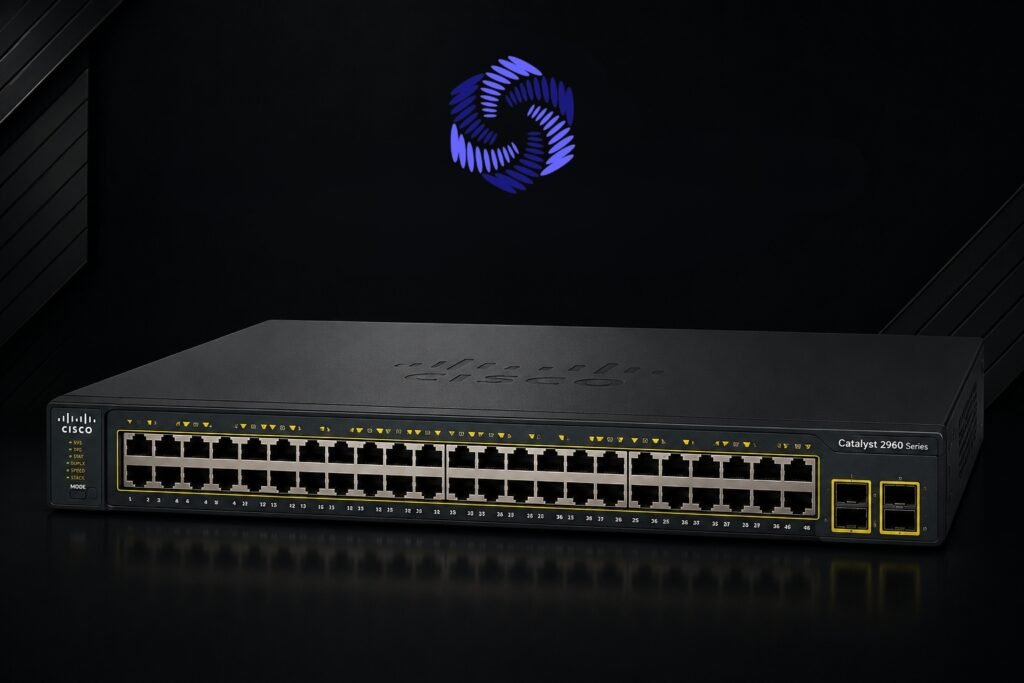
Even though newer Cisco switch models are available, the Cisco Catalyst 2960 Series continues to be a trusted choice for many organizations. Its proven reliability, strong security, and dependable performance make it a practical solution for networks that do not require the latest enterprise features.
The 2960 Series remains popular because it offers:
- Reliable performance for everyday business networking
- Long operational lifespan with minimal maintenance
- Easy deployment and straightforward network management
- Strong security features that help protect connected devices
- Excellent compatibility with existing Cisco network infrastructure
- Cost effective option for small and medium sized businesses
- Ideal for branch offices, schools, retail stores, and office environments
- Widely used by IT professionals for networking labs and certification training
For organizations looking for a stable, secure, and budget friendly managed switch, the Cisco Catalyst 2960 Series continues to deliver dependable performance and long term value.
AI Driven Zero Touch Configuration
Modern enterprise networks can be deployed much faster with CogniKor AI Automation, which simplifies the entire switch configuration process. Instead of creating configurations manually, network engineers only need to provide deployment details such as the switch model, VLANs, IP addressing, routing protocols, security policies, and interface requirements.
CogniKor automatically generates production ready configurations that follow industry best practices and vendor standards. It also validates configurations, performs compliance checks, and identifies potential issues before deployment. The platform supports leading networking vendors, including Cisco, Aruba, Huawei, Juniper, and Fortinet, making it suitable for multi vendor environments.
By automating configuration generation and validation, organizations can reduce manual effort, minimize configuration errors, accelerate network provisioning, and maintain consistent configurations across enterprise deployments.
Practical Example: AI + Ansible + Catalyst 2960
Managing a single switch manually is relatively simple, but configuring dozens or even hundreds of switches can quickly become a time consuming task. By combining AI powered automation with Ansible, organizations can streamline switch deployment, reduce manual work, and maintain consistent configurations across their network. Even though the Cisco Catalyst 2960 is an older platform, it can still be managed efficiently using automation tools alongside modern AI solutions.
How the Workflow Looks?
A typical AI assisted automation workflow follows a simple process:
- The network administrator defines the deployment requirements, including:
- Switch model
- Hostname
- VLANs
- Management IP address
- Interface assignments
- Security policies
- Routing requirements if applicable
- An AI platform analyzes the requirements and generates a deployment ready configuration based on organizational standards and networking best practices.
- The generated configuration is reviewed and validated to ensure there are no syntax errors or policy violations.
- Ansible connects to the Cisco Catalyst 2960 switches over SSH and automatically applies the approved configuration.
- After deployment, Ansible verifies that the configuration has been successfully applied and generates a deployment report.
Example Scenario
Imagine a company opening a new branch office with ten Cisco Catalyst 2960 switches. Instead of configuring every switch manually, the administrator provides the following information to the AI platform:
- Hostname for each switch
- VLAN 10 for Employees
- VLAN 20 for Voice
- VLAN 30 for Guests
- Management IP addresses
- Default gateway
- Port assignments
- Security settings
- Quality of Service policies
The AI system creates standardized configurations for every switch within minutes. Once approved, Ansible automatically deploys the configurations to all ten switches simultaneously, ensuring every device follows the same network standards.
Example Ansible Playbook
The following playbook demonstrates the basic structure used to push a configuration to a Cisco Catalyst 2960 switch.
—
– name: Configure Cisco Catalyst 2960
hosts: catalyst_switches
gather_facts: no
tasks:
– name: Configure VLANs
ios_config:
lines:
– vlan 10
– name Employees
– vlan 20
– name Voice
– vlan 30
– name Guests
In production environments, the playbook would typically include additional tasks for interface configuration, security policies, user authentication, Quality of Service, and saving the running configuration.
Where AI Adds Value
AI enhances traditional automation by assisting before the deployment even begins. It can:
- Generate standardized switch configurations automatically.
- Validate configurations before deployment.
- Detect missing or conflicting settings.
- Recommend security best practices.
- Reduce configuration inconsistencies across multiple sites.
- Produce documentation for future maintenance.
- Accelerate network provisioning for large deployments.
Benefits of Combining AI With Ansible
Using AI together with Ansible provides several advantages for network administrators:
- Faster switch deployment.
- Reduced manual configuration effort.
- Fewer human errors.
- Consistent configurations across all devices.
- Easier network scaling.
- Simplified compliance with organizational standards.
- Improved operational efficiency.
- Better documentation and change tracking.
Best Practices
To achieve reliable automation, organizations should follow several best practices:
- Test configurations in a lab before deploying them to production.
- Store Ansible playbooks in a version control system.
- Review AI generated configurations before deployment.
- Maintain regular backups of switch configurations.
- Use role based access control for automation tools.
- Keep Cisco IOS software updated when possible.
- Continuously monitor deployed switches to verify configuration compliance.
Final Thoughts
The combination of AI, Ansible, and the Cisco Catalyst 2960 creates a practical automation workflow that saves time while improving accuracy. AI helps generate and validate intelligent configurations, while Ansible handles the deployment across multiple switches automatically. Together, they enable network teams to manage enterprise environments more efficiently, reduce operational overhead, and maintain a secure, standardized network infrastructure.
FAQ’s
Yes. The Cisco Catalyst 2960 is an excellent choice for small and medium sized businesses because it offers enterprise level security, reliable performance, and easy management at an affordable cost.
Yes. The Cisco Catalyst 2960 can be managed using automation tools such as Ansible, allowing administrators to deploy configurations, update settings, and manage multiple switches more efficiently.
The switch includes features such as Port Security, DHCP Snooping, Dynamic ARP Inspection, IEEE 802.1X authentication, Access Control Lists, and Quality of Service to help protect the network.
Standard Cisco Catalyst 2960 models do not support stacking. However, the Cisco Catalyst 2960 X and Cisco Catalyst 2960 XR models include stacking capabilities for simplified management and improved scalability.
Yes. Although newer Cisco switches are available, the Cisco Catalyst 2960 remains a dependable option for organizations that need a stable, secure, and cost effective Layer 2 switching solution for existing or moderately sized networks.
Conclusion
The Cisco Catalyst 2960 Switch remains one of the most trusted managed switches for businesses seeking reliable, secure, and efficient network connectivity. Its robust Layer 2 capabilities, advanced security features, flexible port options, and straightforward management make it a practical choice for offices, schools, retail stores, and enterprise branch networks. When combined with modern automation tools and AI powered solutions, the Cisco Catalyst 2960 can still play an important role in today’s IT environments by simplifying deployment, improving operational efficiency, and supporting consistent network management. For organizations looking for a proven switching solution with long term value, the Cisco Catalyst 2960 continues to be a dependable investment.