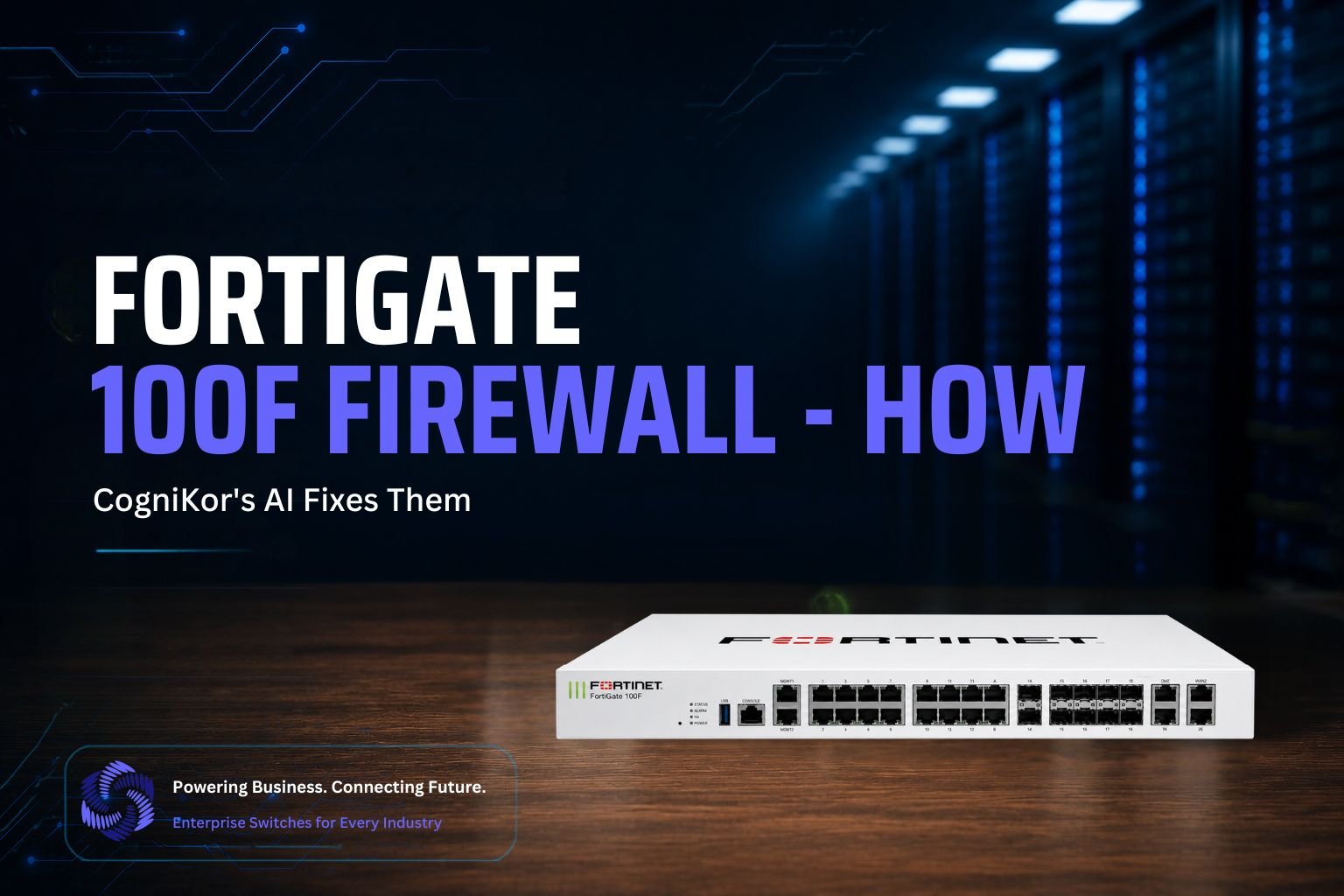
Facing FortiGate 100F firewall issues like VPN drops or high CPU usage? Discover how CogniKor’s AI diagnoses and fixes problems fast, minimizing downtime.
Introduction
If you run a FortiGate 100F, you already know the hardware rarely causes the problem; the configuration does. Most support tickets on a 100F trace back to the same handful of causes: someone hand-typed a policy and got it slightly wrong, a VPN tunnel worked in the lab but not in production, a firmware upgrade quietly broke a rule, or an HA pair stopped syncing after a change. None of those point to a hardware failure. It’s human error at scale, and it’s exactly what CogniKor’s AI suite catches and corrects.
Here’s a practical look at the firewall issues that show up most often on a FortiGate 100F, and which CogniKor tool actually fixes each one.
Issue 1: Conflicting or Misapplied Security Policies
The most common FortiGate 100F problem isn’t a broken rule; it’s rules that contradict each other. An engineer adds a policy for a new VLAN, but it overlaps with an existing rule or binds to the wrong interface, and suddenly traffic that should stay blocked gets through, or traffic that should pass gets silently dropped. On a device with a moderate port count and several active zones, these conflicts multiply fast, especially when different engineers touch the same policy set over time without a single source of truth.
Manually auditing every rule against every interface to find the conflict eats hours. Most teams only find the problem after something breaks in production, not before.
How CogniFire fixes it: CogniFire’s Smart Rule Mapping engine checks every policy against the actual interfaces and zones it applies to, and flags misapplied or overlapping rules before they cause an outage. Its Policy Intelligence Engine also takes a plain description of intent, such as “block guest Wi-Fi from reaching the internal VLAN,” and generates the correct rule structure directly.
That removes the manual CLI step, where a single incorrect interface reference can cause the whole problem in the first place. Instead of hunting through dozens of policies to find which one is misapplied, CogniFire surfaces the conflict and proposes the corrected rule immediately.
Issue 2: Weak or Inconsistent Hardening
Many FortiGate 100F units go live with default or partially-hardened settings. Admin access stays open on the wrong interface, weak cipher settings remain enabled, and logging never gets configured correctly, because hardening every setting by hand across a full policy set takes time nobody has during a rollout. Deployment deadlines push hardening to “we’ll circle back to it,” and that circle-back often never happens.
Over time, this creates a security posture that looks fine on paper but has real gaps an attacker can find quickly.
How CogniFire fixes it: its One-Click Hardening feature applies Fortinet security best practices across the device in a single pass, closing the gaps that usually get skipped under deployment pressure. It doesn’t just apply a generic template either; it hardens the configuration in line with the zones and interfaces already defined for that specific 100F.
Its Real-Time Risk Analysis and Compliance Overlay then keeps checking the live configuration against known risks and compliance baselines, so hardening doesn’t quietly drift out of date after go-live. If someone adds a new interface six months later and forgets to harden it, the overlay catches that gap instead of leaving it for an auditor, or an attacker, to find first.
Issue 3: Errors Introduced During Firewall Migration
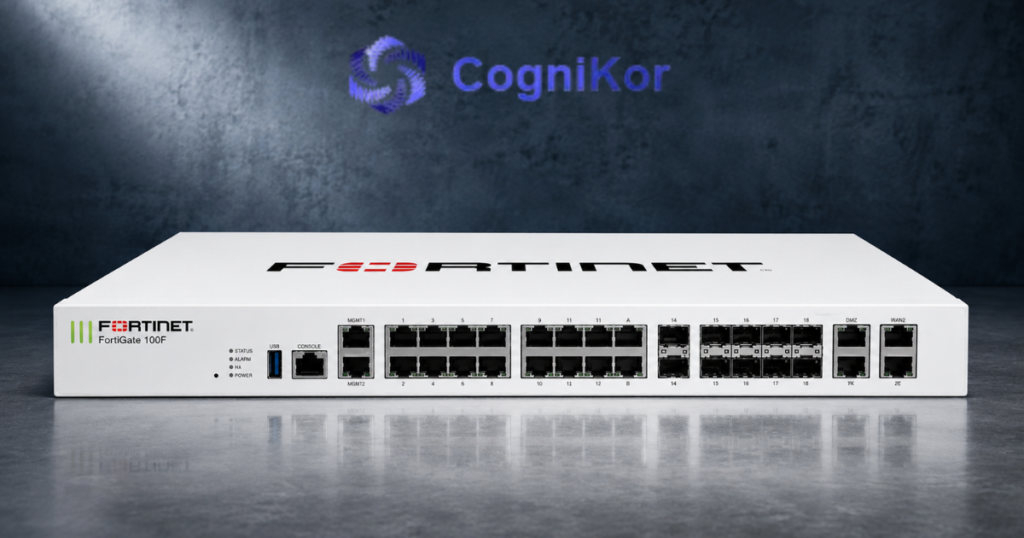
A large share of “the FortiGate 100F is behaving strangely” tickets aren’t actually 100F problems at all; they’re leftover mistakes from migrating a configuration off another vendor’s firewall. NAT rules translate incorrectly, VPN parameters don’t map cleanly between platforms, and manual, line-by-line conversion loses the intent behind the original policy. A rule that someone wrote to isolate a specific subnet on the old firewall can end up covering the wrong range entirely once they retype it in FortiGate syntax.
These errors are especially dangerous because they often don’t surface immediately. The firewall passes initial testing, then breaks weeks later when traffic patterns change.
How FireKor fixes it: FireKor handles firewall-to-firewall migration directly. It imports the source configuration, detects the vendor and structure automatically, and translates policies, NAT rules, and VPN configurations into correct FortiGate syntax, while preserving the original security intent rather than doing a blind syntax swap.
It runs through four clear stages: Import → Validate → Translate → Validation & Export. Along the way, FireKor produces an audit report with mappings, warnings, and a side-by-side comparison, so your team catches migration errors before they ever reach production, not weeks after go-live when the root cause is far harder to trace.
The Practical Fix Workflow
Put together, here’s what a real FortiGate 100F issue looks like when CogniKor’s suite handles it end-to-end:
- Map the current state in Synapse Grid, so your team works from the actual topology instead of the assumed one.
- Diagnose and correct policy or hardening errors with CogniFire’s Smart Rule Mapping, One-Click Hardening, and ongoing compliance checks.
- Fix migration-introduced errors with FireKor whenever the issue traces back to an old vendor’s configuration.
- Rule out switch-side causes with CogniLink or SwitchKor when traffic still misbehaves despite a correct firewall policy.
This sequence replaces hours of CLI digging and cross-referencing an outdated diagram against half-remembered changes with a single connected pass that narrows the fault and corrects it directly.
Why This Matters More on a 100F Than on Smaller Hardware
Because the FortiGate 100F typically sits at a busier edge- more WAN links, more VLANs, more downstream switches- than a small-branch firewall, a single misapplied policy or one overlooked hardening gap affects more traffic and more users when it goes wrong. That raises the cost of every manual mistake, and it’s exactly why automating the diagnosis and the fix, rather than relying on a person to catch it by hand, matters more as the device’s role in the network grows.
Get Your FortiGate 100F Firewall Issues Fixed Faster
Whether you’re chasing a policy conflict, closing a hardening gap, cleaning up a migration error, or tracking down traffic that won’t pass, CogniKor’s AI suite finds the actual root cause on your FortiGate 100F and fixes it instead of just telling you it’s misconfigured.
FAQ’s
CogniKor uses AI-driven diagnostics to automatically detect anomalies like abnormal CPU spikes, session overloads, or policy misconfigurations in real time, reducing manual troubleshooting time significantly.
Yes. CogniKor’s AI models analyze historical performance data and traffic patterns to flag early warning signs, such as gradual memory leaks or recurring VPN instability, before they cause downtime.
Yes, CogniKor integrates with your existing FortiGate setup without requiring a full reconfiguration, minimizing disruption to your network operations.
Manual troubleshooting relies on reactive log analysis, which can take hours. CogniKor’s AI continuously monitors system health and automates root-cause identification, cutting resolution time from hours to minutes.
Yes, CogniKor’s AI scales across multiple firewall deployments, offering centralized monitoring and AI-driven insights across all connected FortiGate 100F devices in your network.
Conclusion
The FortiGate 100F is a powerful firewall solution, but like any enterprise-grade security device, it isn’t immune to performance issues, VPN instability, or configuration errors. Left unresolved, these problems can slow down operations and expose businesses to security risks.
This is where CogniKor’s AI-powered approach makes a real difference: by identifying issues in real time, predicting failures before they escalate, and automating root-cause analysis, CogniKor helps businesses minimize downtime and keep their network running smoothly. Whether you’re managing a single FortiGate 100F unit or a multi-site deployment, pairing your firewall with intelligent, AI-driven monitoring ensures faster fixes, stronger security, and greater peace of mind.