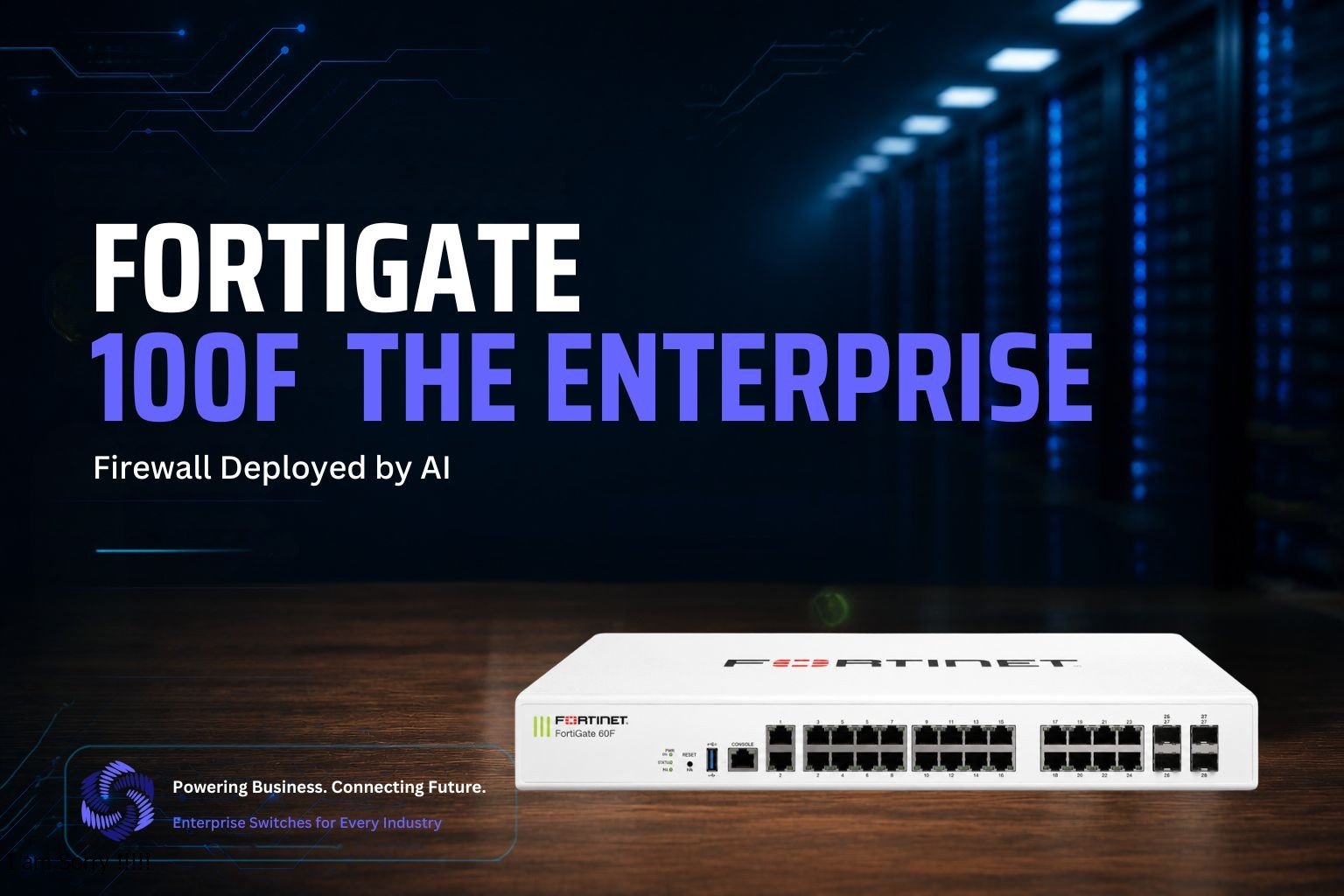
FortiGate 100F Next-Gen Firewall: SD-WAN, NGFW & threat protection for mid-size enterprises. Expert deployment, upgrades & 24/7 security support.
Introduction
Enterprises no longer choose a firewall based on brand recognition alone. They choose it based on throughput, scalability, and how fast their team can deploy it without breaking production. The FortiGate 100F checks every one of those boxes, and it has become one of Fortinet’s most trusted next-generation firewalls (NGFW) for mid-sized to large enterprise branches and campuses.
But buying the right hardware solves only half the problem. The real challenge starts the moment the box arrives at your data center: installation, configuration, firmware upgrades, and the inevitable troubleshooting that follows.
This is exactly where CogniKor changes the equation. Instead of relying on manual CLI work and trial-and-error configuration, CogniKor deploys its AI engines, Cognifire and FireKor, to install, upgrade, and fix FortiGate 100F environments with speed and accuracy that manual processes simply cannot match.
This article walks through what makes the FortiGate 100F a serious enterprise firewall and how CogniKor’s AI-driven approach removes friction at every stage of its lifecycle.
What Is the FortiGate 100F?
The FortiGate 100F is part of Fortinet’s 100F series, built specifically for mid-sized to large enterprises that need secure SD-WAN and NGFW capabilities at the branch or campus level. Fortinet designed it around a purpose-built Secure SD-WAN ASIC, which offloads security processing from the CPU and delivers consistent performance even under heavy inspection loads.
Here’s what stands out on the spec sheet:
- Firewall throughput of up to 20 Gbps
- IPS throughput around 2.6 Gbps
- NGFW throughput near 1.6 Gbps
- Threat protection throughput close to 1 Gbps
- Concurrent sessions scaling up to 1.5 million
- Connectivity: 22 GE RJ45 ports, 4 SFP ports, and 2x 10GE SFP+ FortiLinks
- Dual power supplies for redundancy in mission-critical environments
It lets administrators integrate FortiSwitch access-layer devices directly into the FortiGate as a logical extension of the firewall, so security and switching converge into a single management plane instead of two disconnected systems.
For a growing business, all of this adds up to one thing: the FortiGate 100F can protect business-critical applications, inspect encrypted traffic at scale, and support hundreds of branch connections without becoming a bottleneck.
Installing the FortiGate 100F the Smart Way
A manual FortiGate installation typically follows a familiar, tedious sequence: rack the device, connect the WAN and LAN interfaces, run the setup wizard, manually build firewall policies, configure interfaces one by one, set up HA if needed, and then test everything against a checklist that someone half-remembers from the last deployment.
CogniKor replaces that manual sequence with Cognifire, its AI engine built specifically to automate firewall configuration, apply security hardening, and enforce policy consistency with minimal human intervention.
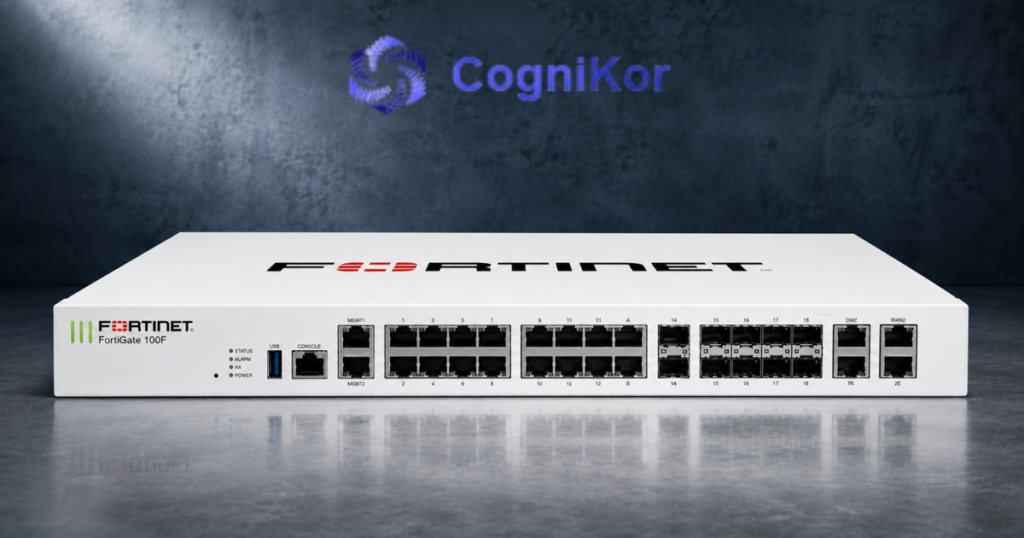
Here’s how Cognifire changes the installation experience for a FortiGate 100F:
- Automatic device recognition. Cognifire detects the FortiGate 100F’s hardware profile and port layout, so it knows exactly which of the 22 GE RJ45 ports, 4 SFP ports, and 10GE SFP+ FortiLinks are available before a single rule gets written.
- Policy generation based on intent, not guesswork. Instead of an engineer manually typing dozens of firewall and NAT rules, Cognifire generates policies from a defined security intent, segmenting traffic, applying least-privilege access, and hardening default settings automatically.
- Consistent hardening baselines. Every FortiGate 100F that Cognifire touches gets the same security baseline: disabled default accounts, enforced strong authentication, logging enabled, and hardened management access. Human error simply isn’t part of the equation.
- Faster time to production. What normally takes a senior engineer several hours, sometimes a full day, for a branch with HA and VPN requirements, Cognifire compresses into a fraction of that time, with a full audit trail showing exactly what was configured and why.
The result is a FortiGate 100F that goes live already hardened, already segmented, and already aligned with the organization’s broader security policy not a device that needs three follow-up tickets in its first month.
Upgrading and Migrating to the FortiGate 100F
Most enterprises don’t deploy a FortiGate 100F into an empty rack. They’re replacing an aging firewall, sometimes another Fortinet model reaching end-of-support, sometimes a completely different vendor’s appliance. This is where migrations get risky, and it’s exactly the problem CogniKor built FireKor to solve.
- FireKor is CogniKor’s AI-powered firewall migration engine, purpose-built to move firewall configurations between platforms without losing the original security intent. It doesn’t just convert syntax from one vendor’s format to another; it interprets the logic behind each rule and reconstructs that logic natively on the FortiGate 100F.
- The migration process follows four clear stages:
- Import. FireKor captures the existing firewall configuration, whatever the source vendor, and automatically detects its structure, rule dependencies, and object relationships.
- Validate. Before anything gets touched, FireKor checks the imported configuration for inconsistencies, unused objects, and rules that no longer serve a purpose, cleaning up years of accumulated firewall clutter in the process.
- Translate. This is where FireKor’s Policy Translation Engine does the heavy lifting. It maps firewall rules, NAT policies, and VPN configurations onto FortiOS syntax while preserving the original behavior. Dynamic Port Hierarchy automatically classifies the 100F’s ports into access, trunk, uplink, and management roles, matching how the previous device was structured.
- Validate & Export. FireKor runs a real-time validation pass, comparing the translated configuration against the original side-by-side, then exports a deployment-ready configuration for the FortiGate 100F complete with a detailed migration report listing every mapping, warning, and optimization recommendation.
- Because FireKor’s Kinetic Migration Processing recalculates dependencies dynamically as configurations change, teams aren’t stuck starting over every time a requirement shifts mid-project. And with One-Click Migration, the actual cutover to the FortiGate 100F happens with effectively zero downtime, critical for branches that can’t afford an extended outage window.
For organizations managing dozens or hundreds of branch firewalls, FireKor’s Elastic Scaling and Global Configuration Search mean the same migration workflow applies whether you’re upgrading a single branch or standardizing an entire regional network onto the FortiGate 100F.
Fixing Errors Before They Become Outages
Firewall errors rarely announce themselves clearly. A dropped VPN tunnel, a silently failing NAT rule, a misapplied policy that blocks legitimate traffic instead of malicious traffic these issues surface as vague user complaints long before anyone identifies the root cause in the FortiGate’s logs.
CogniKor’s AI tools approach troubleshooting differently than a typical support ticket workflow. Both Cognifire and FireKor include built-in validation and audit engines that continuously check configuration health, not just at deployment but throughout the device’s operating life.
- Real-Time Validation Engine: Continuously verifies configurations before and after any change, catching a broken rule the moment it’s introduced instead of after it causes an incident.
- Validation Overlay Engine: Runs pre- and post-change checks specifically around migrations and upgrades, so a firmware update or policy change never gets deployed blind.
- Audit & Reporting Engine: Produces a clear report of every mapping, warning, and optimization opportunity, giving engineers a documented trail instead of guesswork when something needs to be reverted or explained to leadership.
When an error does occur a misconfigured HA pair, an interface that didn’t come up after a firmware upgrade, a policy conflict introduced during a migration CogniKor’s engines pinpoint the exact configuration line responsible, rather than forcing an engineer to comb through logs manually. That turns a multi-hour troubleshooting session into a targeted fix measured in minutes.
This same intelligence extends to firmware upgrades. FortiOS releases regularly introduce new features, security patches, and occasionally behavioral changes that can break existing policies if applied blindly. Before CogniKor pushes a FortiOS upgrade to a FortiGate 100F, its validation layer checks the current configuration against the target firmware version, flags any deprecated features or syntax changes, and confirms compatibility so upgrade day doesn’t turn into an unplanned outage.
Why This Matters for Your Network?
The FortiGate 100F is a genuinely capable piece of hardware with strong throughput, deep session capacity, and tight integration with the broader Fortinet Security Fabric. But hardware capability only translates into real-world protection when it’s installed correctly, upgraded without disruption, and kept error-free over time.
CogniKor closes that gap. Cognifire handles the installation and hardening, applying consistent, intent-based configurations the moment a FortiGate 100F comes online. FireKor manages the harder problem of migrating existing environments onto the 100F, preserving years of accumulated security logic instead of forcing a risky rebuild from scratch. And the validation layers running underneath both tools catch errors before they become downtime, whether that error shows up during initial deployment, a routine firmware upgrade, or months into production.
For IT teams evaluating the FortiGate 100F, the hardware decision is straightforward. The harder question is how you deploy, maintain, and troubleshoot it without draining your engineering team’s time on repetitive, error-prone manual work. CogniKor’s AI-driven approach answers that question directly, turning what used to be days of configuration work into a fast, validated, audit-ready deployment.
FAQ’s
It’s positioned for small to medium-sized businesses as well as mid-sized enterprises needing high-performance next-gen firewall features with strong security efficiency and transparency
Thanks to its SoC4 SD-WAN ASIC, it offers industry-leading application identification and control for more than 5,000 applications.
Yes, it supports link aggregation using either redundant ports or LACP (802.3ad), a feature Fortinet calls Virtual Wire Pair.
Both models share the same core hardware specs and are covered under the same 100F Series datasheet, sharing NGFW, SD-WAN, and Secure Web Gateway capabilities. Differences are mainly in specific port/hardware configurations.
Yes, Fortinet is named a Leader in the Gartner Magic Quadrant for Hybrid Mesh Firewall, with the FortiGate platform positioned as part of that recognition.
Conclusion
The FortiGate 100F gives enterprises serious firewall performance in a compact, branch-ready package, with strong throughput, deep session capacity, and native integration with the Fortinet Security Fabric. What determines whether that hardware investment pays off, though, is the process around it: how it’s installed, how existing security logic gets carried over during a migration, and how quickly errors get caught before they turn into outages.
That’s the layer CogniKor was built to own. Cognifire installs and hardens the FortiGate 100F with consistent, intent-based configurations from day one. FireKor takes on the harder job of migrating years of existing firewall logic onto the 100F without losing security intent along the way.
And the validation engines running behind both tools catch problems early, whether during a first deployment, a routine upgrade, or months into normal operation.
Ready to deploy or migrate to the FortiGate 100F without the usual downtime and guesswork? Connect with CogniKor and let Cognifire and FireKor handle the heavy lifting.